Mobile access and GB App Store listing checked 27 August 2026
Kong Casino Mobile: App, Browser Play & Device Support
 Available in GB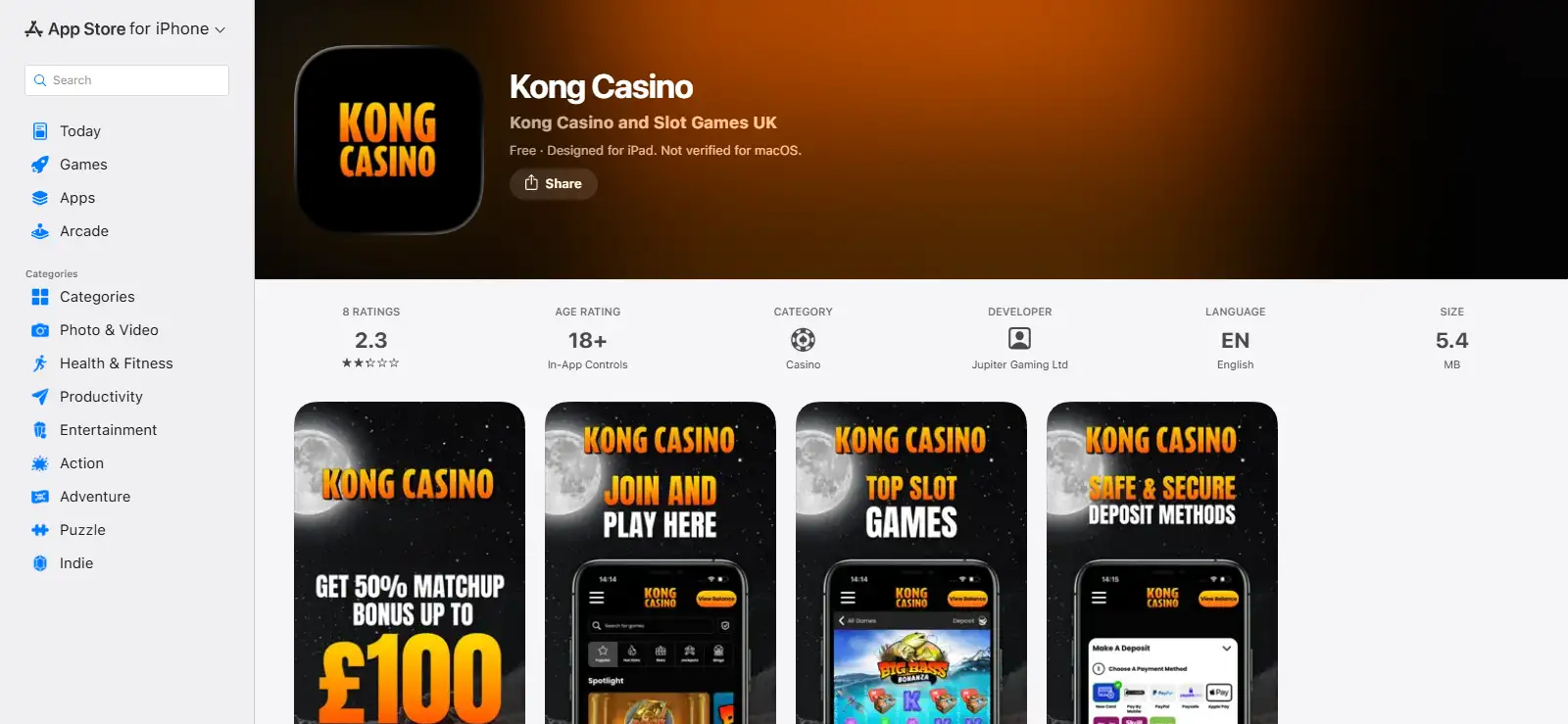
Kong Casino has a current app listing in the GB Apple App Store and also supports play through a mobile web browser. The App Store listing covers iPhone and iPad, with iOS 17.4 or later required on iPhone and iPadOS 17.4 or later on iPad. That gives Apple users two practical routes: install the app or use the site in a browser.
Android needs more restraint. Third-party claims about a native Android app conflict, and no authoritative current Android listing has been established. A native Android app is therefore treated as unresolved rather than available or unavailable. Android users can still evaluate the confirmed mobile-browser route. The useful comparison is therefore iOS app versus browser access, not a manufactured iOS-versus-Android app contest.
- Two documented ways to use Kong Casino on mobile
- iOS app or browser: which is the better choice?
- What to test in the mobile game interface
- Mobile cashier use deserves its own check
- Verification on a small screen
- Account and safer-gambling controls should remain reachable
- Test the device you will actually use
- Why Android app availability remains unresolved
- A practical five-minute mobile test
- Kong Casino mobile verdict
Two documented ways to use Kong Casino on mobile
The first route is the iOS app from Apple’s GB storefront. The second is browser play from a mobile device. The browser option matters because it avoids making the app a requirement: if you prefer not to install software, are using a device outside the current iOS compatibility range, or simply want to test the site before adding an app, mobile-browser support gives you another path.
| Route | Current position | What to check yourself |
|---|---|---|
| iPhone app | Listed in the GB Apple App Store | Your device must meet the current iOS requirement and the listing should still be live when you install. |
| iPad app | Listed in the GB Apple App Store | Your iPad must meet the current iPadOS requirement. |
| Mobile browser | Supported by Kong Casino | Test the games, cashier and account tools you actually expect to use. |
| Native Android app | No public conclusion made here | Use browser access unless you can independently verify a current authoritative Android listing. |
None of these routes should be graded purely by whether the homepage loads. A useful mobile test checks the full journey: sign-in, navigation, the specific games you want, cashier access, verification prompts and account controls. The Kong Casino sign-up guide covers the account side of that journey, while this page stays focused on device access and usability. An account is needed first: registration and age checks.
iOS app or browser: which is the better choice?
The iOS app is the cleaner choice if you want a dedicated icon, prefer launching Kong outside a browser tab and your iPhone or iPad meets the current compatibility requirement. The browser is the lower-commitment choice because there is nothing to install and the same mobile-friendly site can be opened directly. Neither route should be assumed to be faster, more stable or more secure without device-specific testing.
For a real comparison, use the same checklist on both routes. Time how quickly you can find the cashier. Open a slot you recognise. Move between a game and account controls. Check whether the text and buttons remain readable in portrait orientation. If you use live casino, see whether the video presentation, betting controls and navigation remain comfortable on your screen size. These tests answer more than a generic claim such as “fully optimised” ever could.
Account continuity also needs practical rather than promotional treatment. Do not create duplicate accounts merely to test platforms. Start from the existing account route shown by Kong and confirm that the balance, verification status and account tools you need are presented consistently. If something differs between app and browser, treat the live account interface as the practical reference for your own session and contact support if a function is missing.
What to test in the mobile game interface
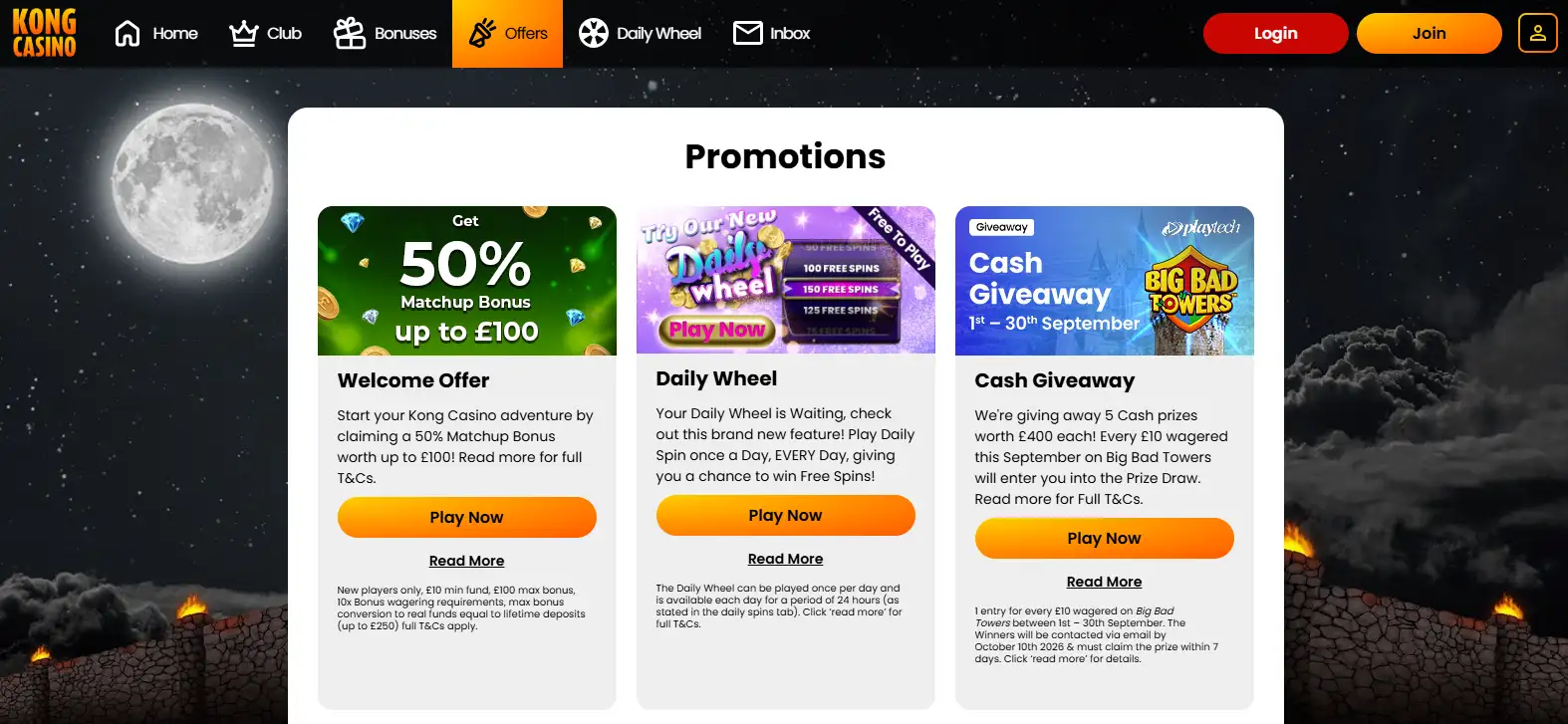
Kong’s current site offers slots, table games, bingo and live casino. Its current slots material includes formats such as Megaways, Slingo, classic fruit-machine games and progressive-jackpot slots, while current featured examples include Big Bass Splash, Fluffy Favourites, Starburst and Big Bass Bonanza. The live area includes real-dealer titles such as Live Playtech Roulette and Hippodrome Live Blackjack.
Those examples are more useful for a mobile test than a headline library count. Kong’s own pages currently contain inconsistent game-count claims, so no single total is reliable enough to use. Instead, open the categories and titles that matter to you. A slot player should check reel visibility, stake controls and game menus. A live-casino player should pay more attention to stream visibility, betting windows and how easily the interface handles orientation changes.
The Kong Casino games guide covers the wider library and the evidence behind the current game categories. On mobile, the important question is whether those categories remain usable on your actual screen, not whether a marketing number sounds large.
Mobile cashier use deserves its own check
A mobile casino experience is incomplete if the games work but the cashier is awkward. Kong’s current UK banking setup uses GBP, with debit-card and e-wallet deposit options alongside Paysafe Card and Pay by Mobile. The payment methods guide explains the confirmed deposit and withdrawal routes, including the fact that Pay by Mobile is a deposit method rather than a withdrawal destination.
On a phone, check more than the payment logo. Make sure you can identify the selected method, the amount, any visible charge and the destination for a future payout. If a page moves you into a third-party payment flow, confirm that you can return to the casino without losing track of the transaction status. Those are practical usability checks rather than claims that one payment method is universally best.
The same principle applies to withdrawals. Do not assume that because a mobile deposit is quick, a cashout will use the same route or timing. Kong’s withdrawal process has its own pending and verification stages, so the cashier should be evaluated as a complete deposit-to-withdrawal journey.
Verification on a small screen
Kong requires account verification and can ask for identity, address and payment-method evidence. Mobile can be convenient for document capture because the camera is already available, but that convenience does not remove the need to read the upload instructions carefully. Use the secure account workflow, check that images are clear and avoid exposing unnecessary card information.
When comparing app and browser, look at how obvious the verification status is, whether the upload route is easy to find and whether you can tell when a document has been submitted successfully. The goal is not to finish verification as quickly as possible at any cost. It is to make sure the device you choose does not encourage rushed uploads or confusion about what has been requested.
This is also a reason not to judge mobile usability from the lobby alone. A polished game grid tells you little about how manageable the account becomes when a payment or verification task needs attention.
Account and safer-gambling controls should remain reachable
Mobile design compresses navigation, which can make secondary account tools less obvious than they are on desktop. When you test Kong on a phone, deliberately look for account settings, payment history, verification status and safer-gambling controls rather than waiting until you need them urgently.
This page does not claim that every control is presented identically in every app version, browser or device size. Interface details can change. The decision rule is straightforward: before using mobile as your main route, confirm that the current interface gives you practical access to the controls you consider essential.
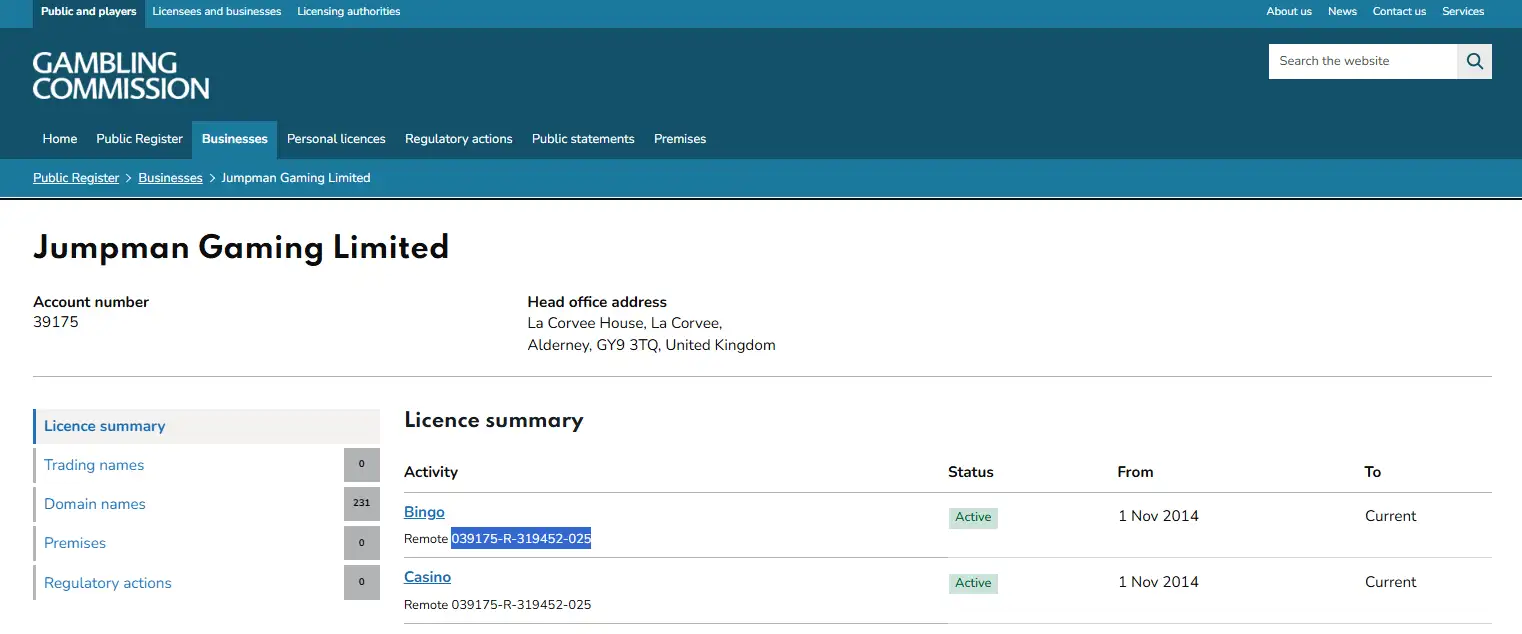
Operator licensing is a separate question from interface convenience. The licence and safety page covers Kong’s UK regulatory position; an App Store presence by itself is not a substitute for that check.
Test the device you will actually use
Mobile quality can vary with screen size, operating-system settings, browser choice and connection conditions, so a generic label such as “mobile friendly” is only a starting point. Before making mobile your main route, test the actual phone or tablet you expect to use. Check whether menus remain easy to reach, whether the cashier can be read without awkward zooming and whether returning from a game leaves you oriented in the account.
For Apple users, the App Store compatibility requirement gives a clear installation threshold, but it does not guarantee identical behaviour across every supported device. For browser users, the absence of an installation requirement is convenient, but browser tabs, privacy settings and network changes can still affect the session. The most useful comparison is therefore task-based: can you complete the specific actions you care about with minimal confusion?
Why Android app availability remains unresolved
There is a difference between saying a website works on an Android phone and saying the operator distributes a current native Android app. Kong’s mobile-browser support establishes the first point. It does not prove the second. Third-party sources disagree about native Android availability, and no authoritative current Android store listing has been established.
The safe conclusion is therefore deliberately narrow: Android users have the mobile-browser route, while native-app status is left unresolved. This avoids two common errors – treating an installable web shortcut as a native app, or treating the absence of an easily found store page as proof that no app exists.
If a native Android download is important to you, verify the publisher and distribution source before installing anything. Do not use an unofficial APK simply because it carries the casino name or logo. A browser session on the official site is the clearest documented route available today.
A practical five-minute mobile test
- Open the official route. On Apple devices, confirm the GB App Store listing; otherwise use the official site in your browser.
- Check navigation. Find account, cashier and game categories without relying on desktop assumptions.
- Open your preferred game type. Test a slot or live-casino interface that reflects how you actually play.
- Inspect account tools. Make sure payment and verification areas are legible and easy to return to.
- Compare before committing. If you have an iPhone or iPad, try browser and app and keep the route that is clearer on your device rather than assuming the installed app must be better.
For the broader decision, the full Kong Casino review combines mobile access with games, bonuses, payments and trust evidence. The full picture is in the Kong Casino review for UK players. Mobile should be one part of that assessment, not a reason to overlook the rest of the operator.
Kong Casino mobile verdict
Kong gives UK users two confirmed mobile routes: a current GB iOS App Store listing for iPhone and iPad, plus mobile-browser play. Apple users whose devices meet the current operating-system requirement can choose between installation and browser access. The browser route also provides the clearest supported option for users who do not want the iOS app.
The unresolved area is native Android distribution, and this guide intentionally leaves it unresolved rather than converting conflicting third-party reports into a fact. In practical terms, judge Kong mobile by the route you can verify today: test your preferred games, account controls and cashier on the device you will actually use, and prefer the interface that makes those tasks easiest to understand.
Written by the editors at Kong Casino.